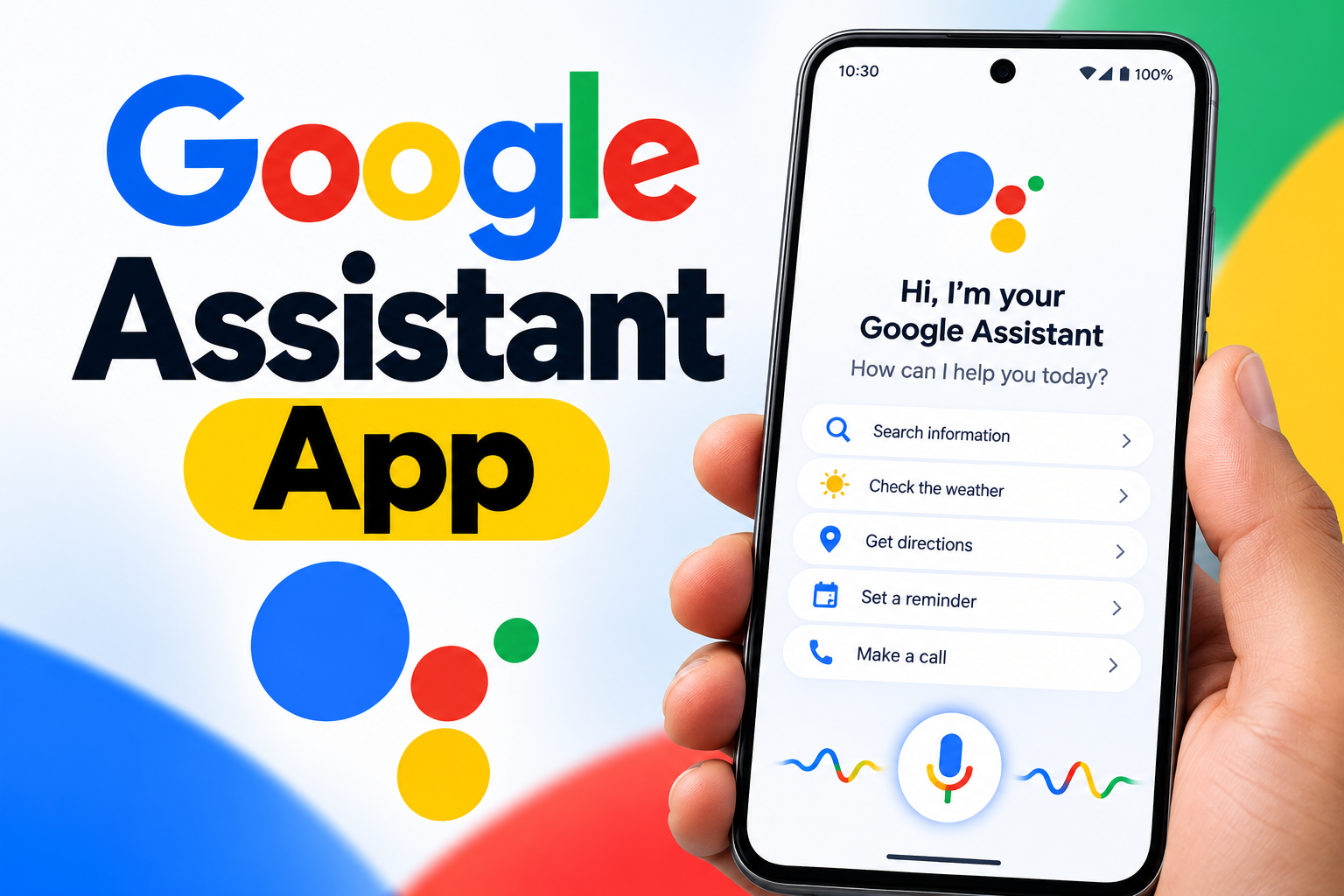
Google Assistant is a powerful AI-based voice assistant created by Google. It helps users interact with their smartphones, find information, manage everyday activities, and control compatible applications through spoken commands. With continuous improvements in artificial intelligence and language understanding, Google Assistant has become an important feature of modern smartphones.
Instead of typing or navigating through different menus, users can simply speak a request and let the assistant handle it. From checking the weather to setting reminders and controlling smart devices, Google Assistant can make everyday smartphone tasks faster and more convenient.
What Is Google Assistant?
Google Assistant is an artificial intelligence-powered virtual assistant that allows people to operate their devices through voice or text commands. It is closely connected with Android phones and various Google services.
The assistant can handle a wide range of requests, including:
- Sending text messages
- Making phone calls
- Launching applications
- Searching the web
- Setting alarms and reminders
- Playing music and videos
- Getting directions
- Controlling compatible smart-home products
For instance, users can say:
“Hey Google, how is the weather today?”
“Hey Google, open YouTube.”
“Hey Google, remind me to call my friend at 6 PM.”
Google Assistant interprets the request and responds or performs the requested action.
Main Features of Google Assistant
Google Assistant offers several features designed to make smartphones more useful and easier to operate.
1. Voice-Based Smartphone Control
Voice commands are one of the main advantages of Google Assistant. Users can perform different actions without touching their phones.
You can use your voice to call someone, send a message, launch an app, or perform other supported actions. This can be especially convenient when your hands are occupied.
2. Quick Access to Information
Google Assistant can provide information on a wide range of topics. Users can ask about weather conditions, sports, directions, general questions, and other information.
Its connection with Google’s broader services allows it to retrieve information quickly and provide relevant responses.
3. Smart Home Management
Google Assistant can work with compatible smart-home products such as lights, televisions, speakers, and other connected devices.
For example, you may say:
“Hey Google, switch off the lights.”
or
“Hey Google, play music on the TV.”
This allows users to control supported devices through simple voice instructions.
4. Reminders, Alarms and Scheduling
Keeping track of daily activities can be easier with Google Assistant. Users can create alarms, reminders, and calendar events by speaking naturally.
For example:
“Hey Google, set an alarm for 7 AM.”
“Hey Google, remind me to drink water every hour.”
These tools can help users organize their routines and remember important activities.
5. Navigation and Directions
Google Assistant also works with Google Maps to help users find locations and plan journeys. It can provide directions, estimated travel information, and other navigation-related assistance.
For example:
“Hey Google, take me to the nearest restaurant.”
The assistant can open Maps and provide navigation instructions.
How to Get Google Assistant
Many Android smartphones already have Google Assistant or related Google assistant features installed. If the required app or feature is not available on your device, users can check the Google Play Store for the official Google application or supported Assistant experience.
A general setup process is:
- Open the Google Play Store.
- Search for the relevant Google Assistant application or service.
- Install or update it if available.
- Launch the Google app or Assistant feature.
- Sign in with your Google account if required.
- Follow the on-screen instructions to enable voice activation.
After setup, supported devices can respond when the user says “Hey Google.”
Advantages of Google Assistant
Google Assistant can provide several practical benefits in everyday smartphone use.
Saves Time: Users can perform common actions through voice instead of manually navigating through menus.
Hands-Free Operation: Voice commands are useful when someone is driving, cooking, working, or otherwise unable to use the phone comfortably.
Better Organization: Reminders, alarms, calendar events, and other tools can help users manage their daily schedules.
Device Integration: Compatible smart-home products can be controlled through the same assistant, creating a more connected experience.
Using Google Assistant in Everyday Life
Google Assistant can be useful for different types of users.
Students may use it to set study reminders, search for information, or manage their schedules. Professionals can use voice commands for reminders, appointments, navigation, and other routine tasks.
At home, users can interact with compatible smart devices, play entertainment, check information, and manage daily routines.
The experience can also become more useful as users become familiar with the commands and services available on their devices.
Privacy and Security
Privacy is an important consideration when using any voice assistant. Google provides settings that allow users to manage aspects of their Assistant and voice activity data.
Depending on the account and device settings, users can review activity, manage stored voice interactions, and delete available activity from their Google account. Various privacy controls can also be adjusted according to individual preferences.
Users should regularly review their Google account privacy settings to understand what information is being stored and how their Assistant activity is managed.
What Is the Future of Google Assistant?
Voice-assistant technology continues to develop alongside artificial intelligence. Future improvements may make digital assistants better at understanding natural conversations, handling multiple requests, connecting with applications, and automating everyday tasks.
As AI becomes more capable, voice assistants are expected to become increasingly useful for interacting with digital services and connected devices.
Final Thoughts
Google Assistant provides a convenient way to interact with smartphones and compatible devices through natural voice commands. Its features include information search, reminders, navigation, hands-free controls, and smart-home integration.
For people who want to reduce repetitive phone interactions and manage everyday activities more conveniently, a voice assistant can be a useful tool. With continued advances in artificial intelligence, the way users interact with digital assistants is likely to keep evolving.